Settings Tab in USTAAD Typing Academy
The Settings Tab in USTAAD Typing Academy allows users to customize their experience by enabling or disabling different features based on their preferences.
It is designed to give users full control over the interface, appearance, and usability of the platform.
What You Can Control in Settings
Inside the Settings tab, users can:
- Change the application theme
- Enable or disable certain features
- Customize the overall learning environment
- Adjust UI preferences according to comfort
Among all available options, the Themes section is the most important and widely used feature.
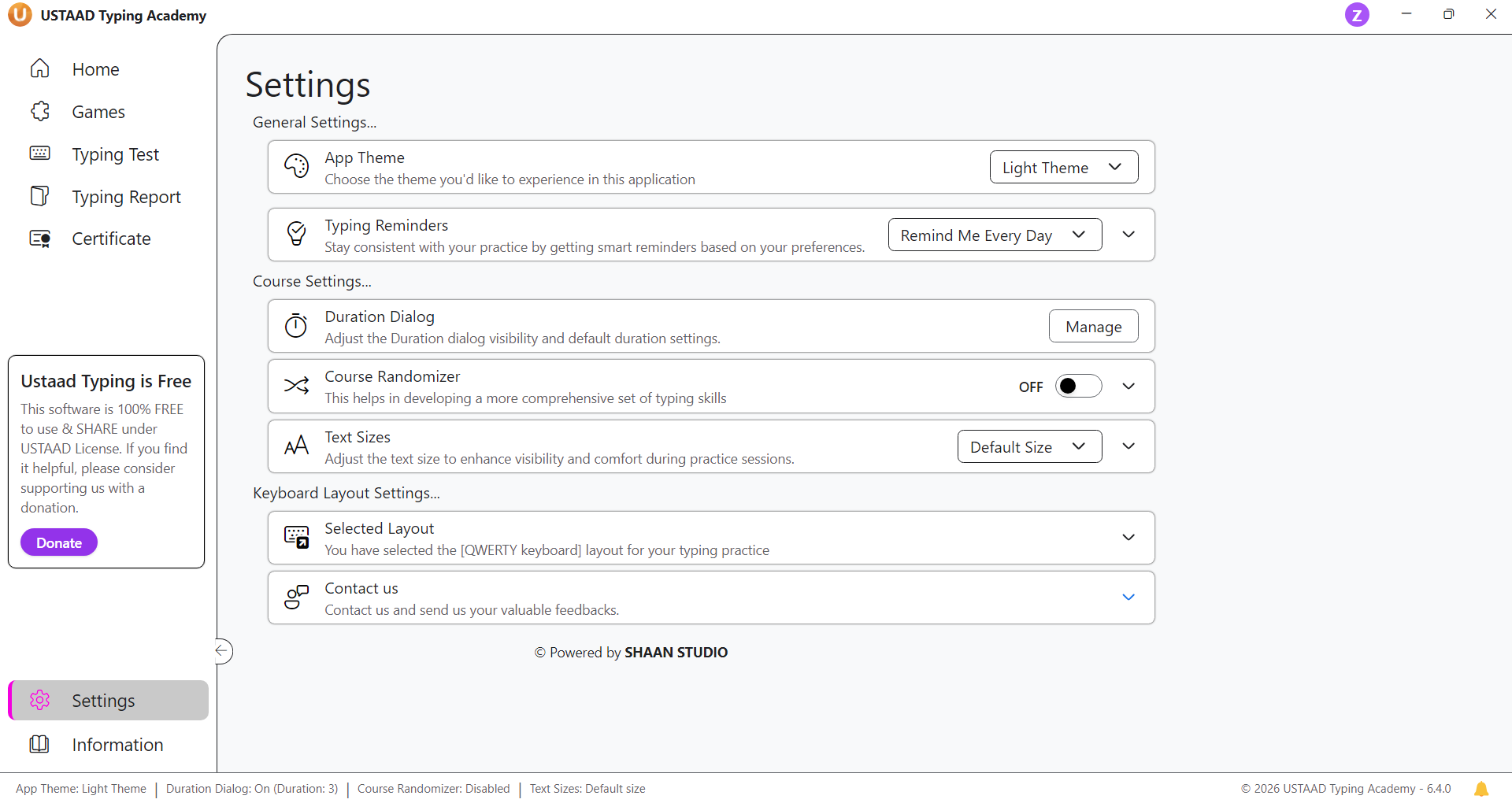
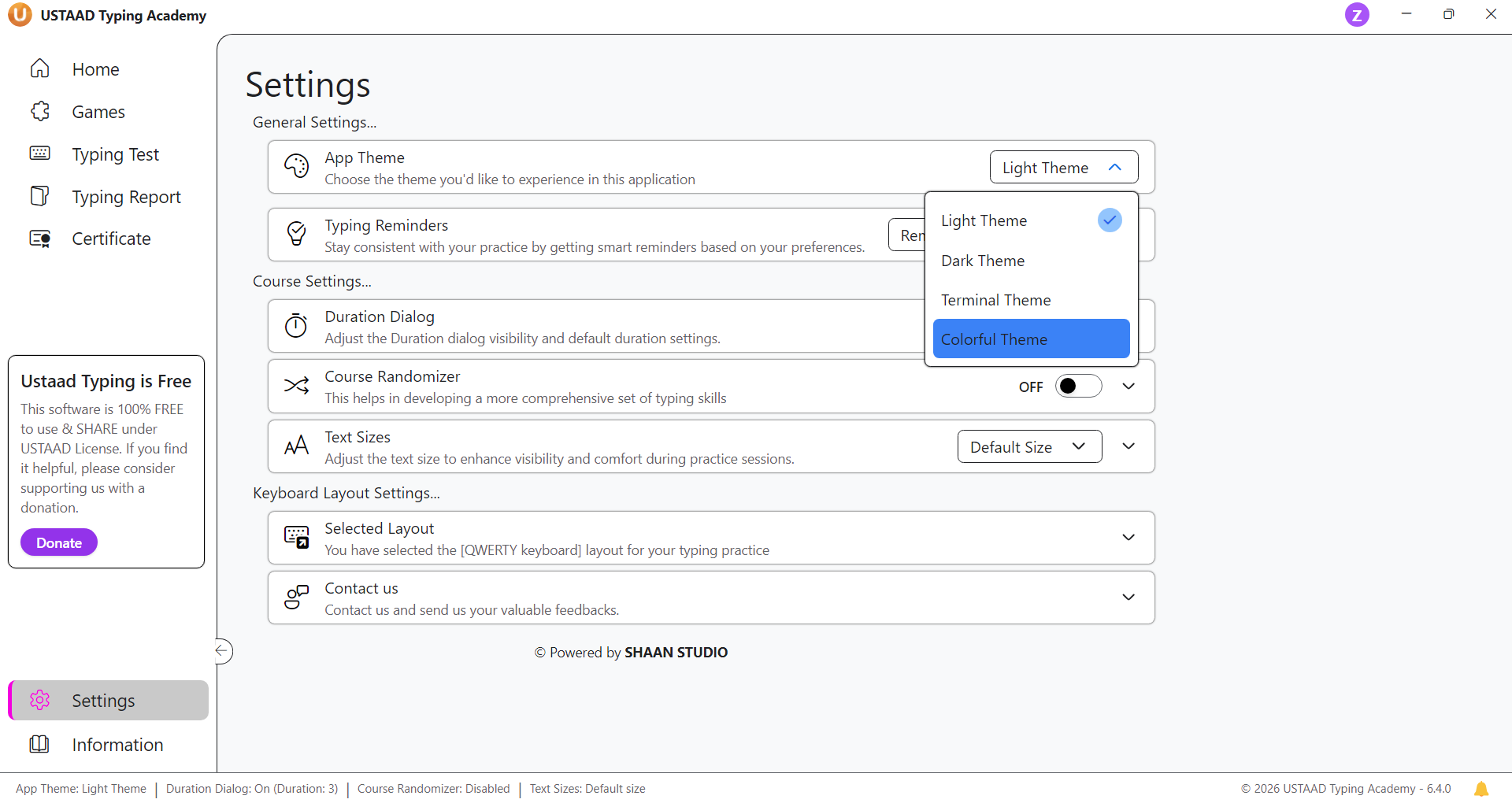
Themes in USTAAD Typing Academy
USTAAD Typing Academy offers 4 unique themes, each designed for different types of users and preferences.
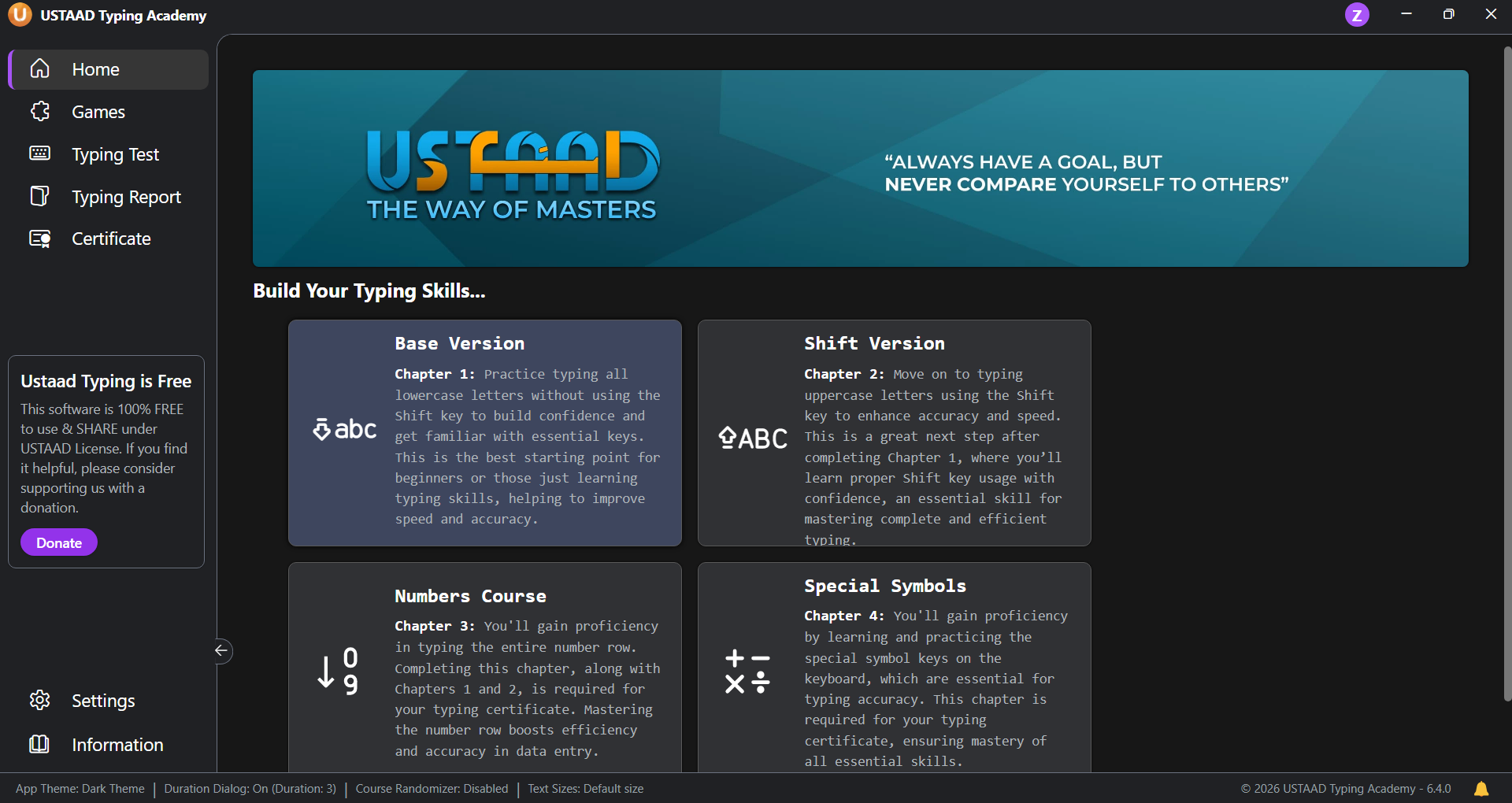
Dark Theme
The Dark Theme provides a sleek and modern dark interface.
Key Features:
- Dark background with light text
- Reduces eye strain during long typing sessions
- Ideal for low-light environments
- Clean and distraction-free experience
Best For:
- Night-time users
- Long practice sessions
- Users who prefer minimal UI
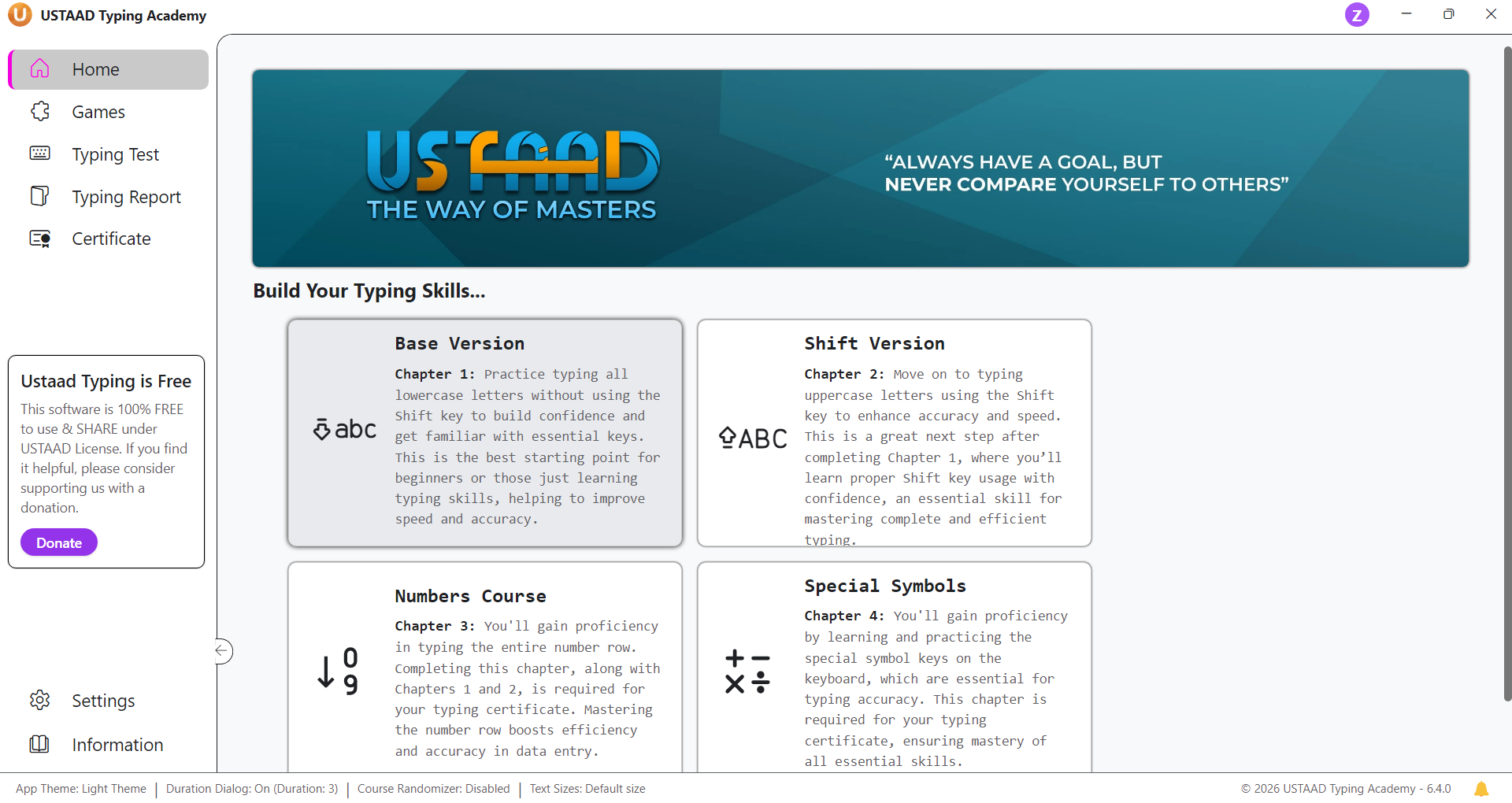
Light (White) Theme
The Light Theme (also called White Theme) offers a bright and clean interface.
Key Features:
- White background with dark text
- Clear visibility in well-lit environments
- Simple and professional design
- Familiar UI similar to standard applications
Best For:
- Day-time usage
- Beginners
- Users who prefer traditional layouts
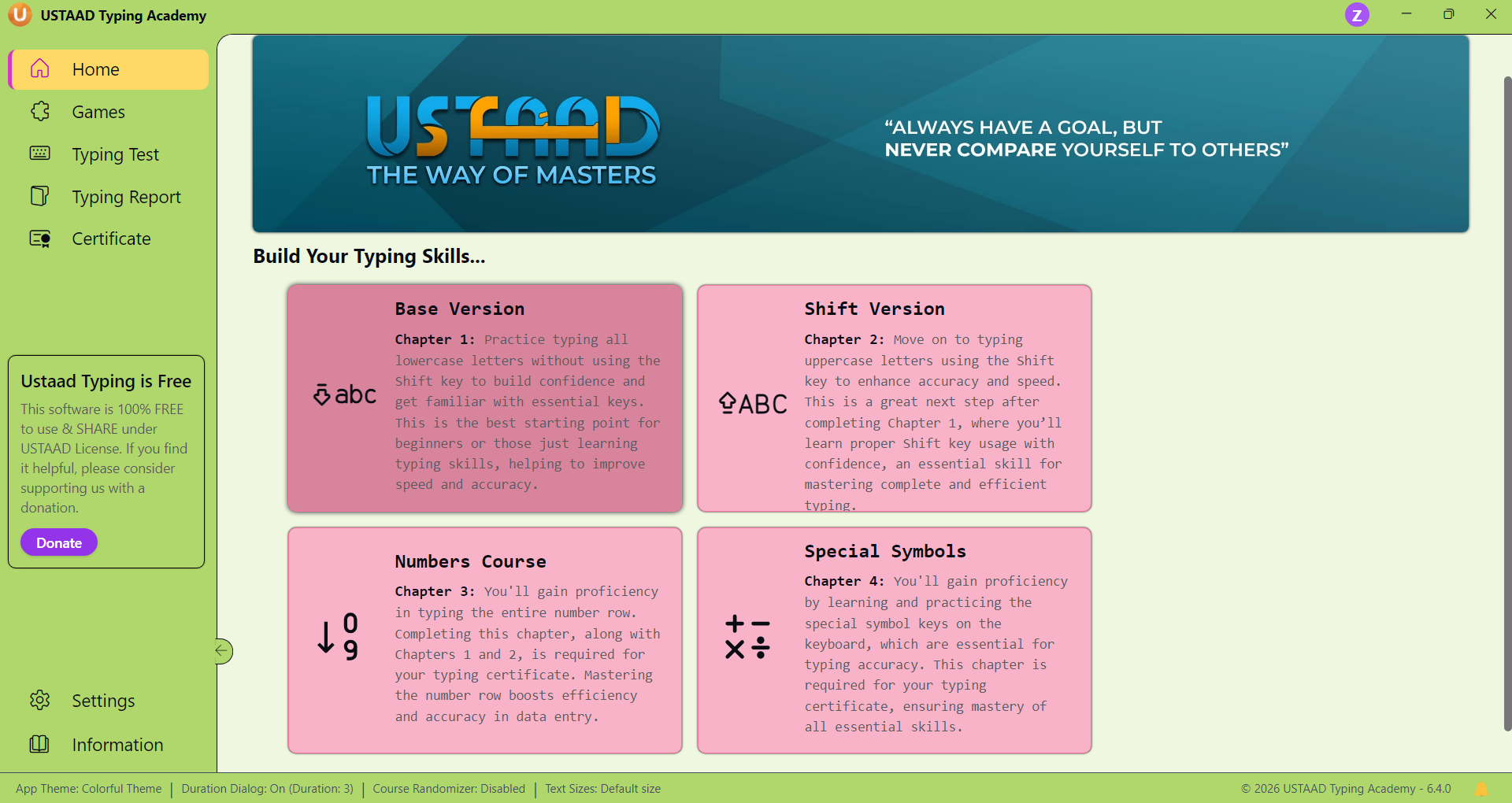
Colorful Theme (For Kids)
The Colorful Theme is specially designed for kids and beginners.
It transforms the interface into a more fun, engaging, and visually rich environment.
Key Features:
- Bright and vibrant colors
- Enhanced UI elements with playful accents
- More engaging and less monotonous
- Encourages learning through visual appeal
Best For:
- Children
- Early learners
- Users who enjoy colorful interfaces
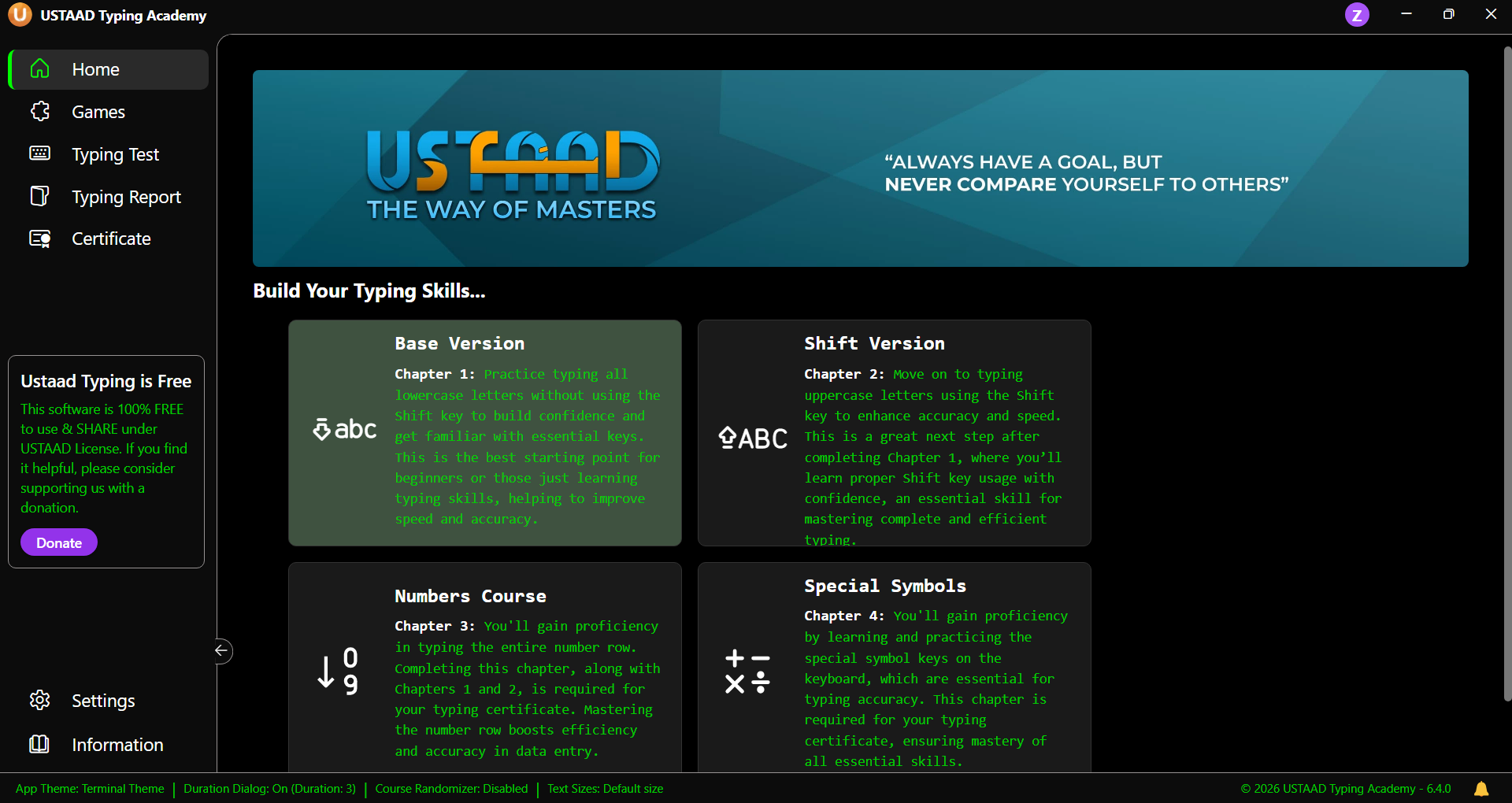
Terminal Theme (Hacker Style)
The Terminal Theme is designed for users who prefer a developer / hacker-style interface.
It gives USTAAD Typing Academy a completely different look inspired by terminal environments.
Key Features:
- Dark background with green terminal-style text
- Minimalistic and focused UI
- Hacker-style aesthetic
- Highly immersive typing environment
Best For:
- Advanced users
- Tech enthusiasts
- Users who enjoy coding or terminal interfaces
Why Themes Matter
Themes are not just about appearance — they directly impact:
- Comfort during long typing sessions
- Focus and productivity
- User engagement
- Learning experience
By offering multiple themes, USTAAD Typing Academy ensures that every user can choose an environment that suits their personality and learning style.
Summary
The Settings Tab gives users control over their experience, and the Themes feature allows complete visual customization.
Available themes include:
- Dark Theme → Modern & eye-friendly
- Light Theme → Clean & professional
- Colorful Theme → Fun & engaging (for kids)
- Terminal Theme → Hacker-style & immersive
Each theme is designed to enhance the typing experience in its own unique way.