Certificate System in USTAAD Typing Academy
The Certificate system in USTAAD Typing Academy is designed to guide users step-by-step from learning progress tracking to final certificate generation and verification.
It is divided into three main sub-tabs, each serving a specific purpose in your learning and certification journey.
1. Certificate Criteria Tab
The Certificate Criteria Tab is the core progress tracking system of the platform.
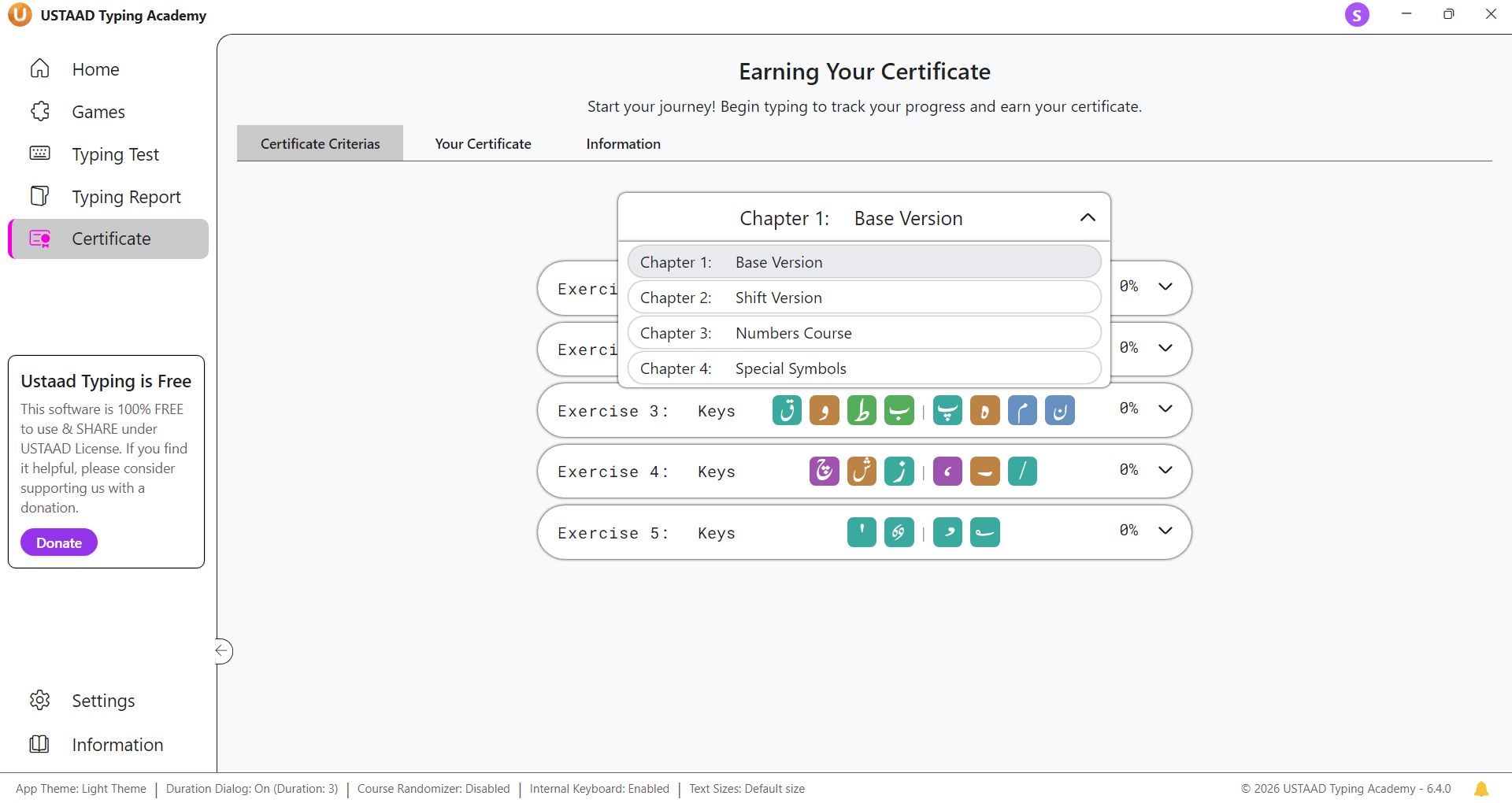
It allows users to monitor their performance at every level of learning, including:
- Each chapter
- Each exercise
- Each lesson
What You Can See Here
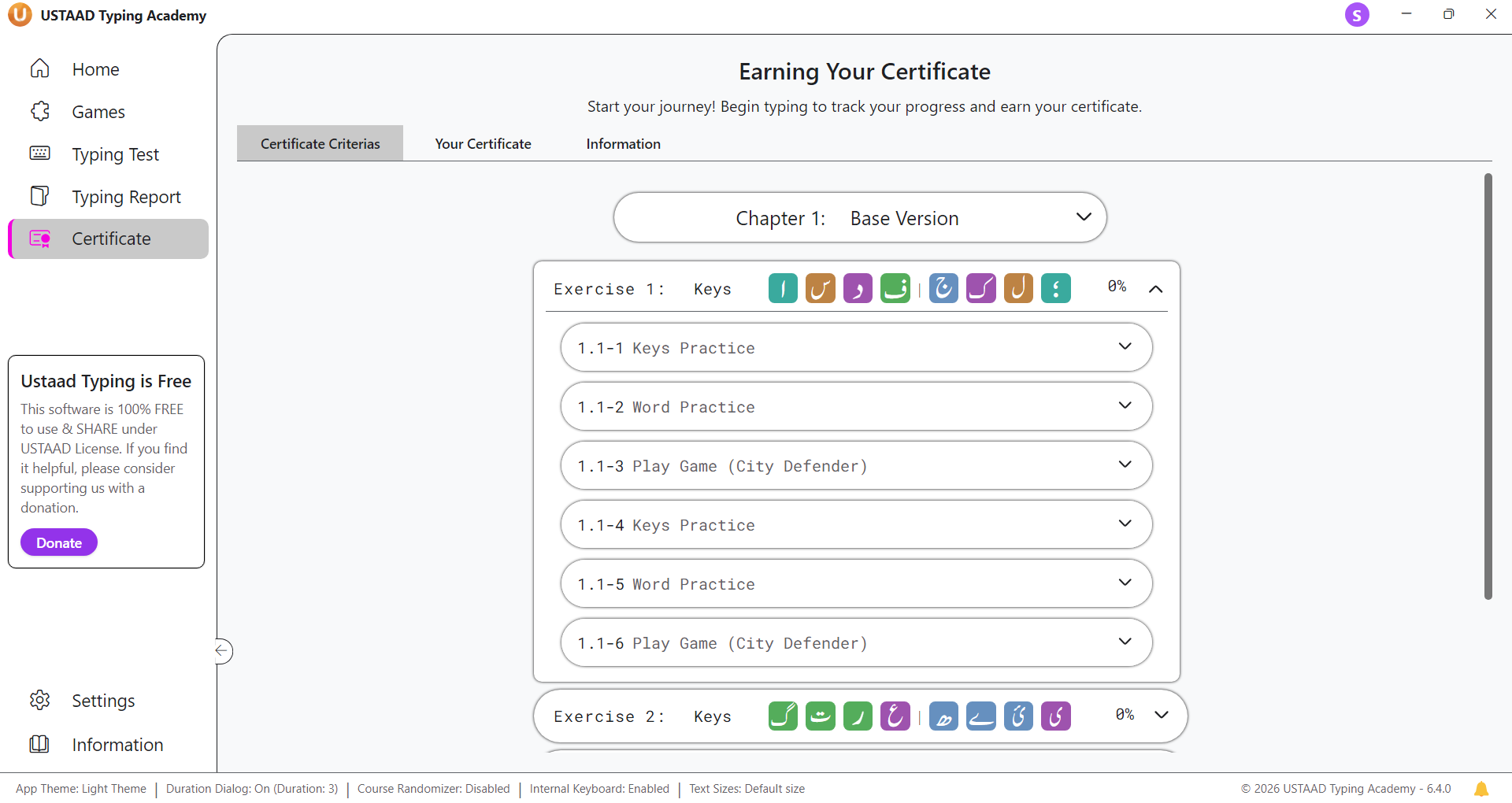
Inside this tab, users can:
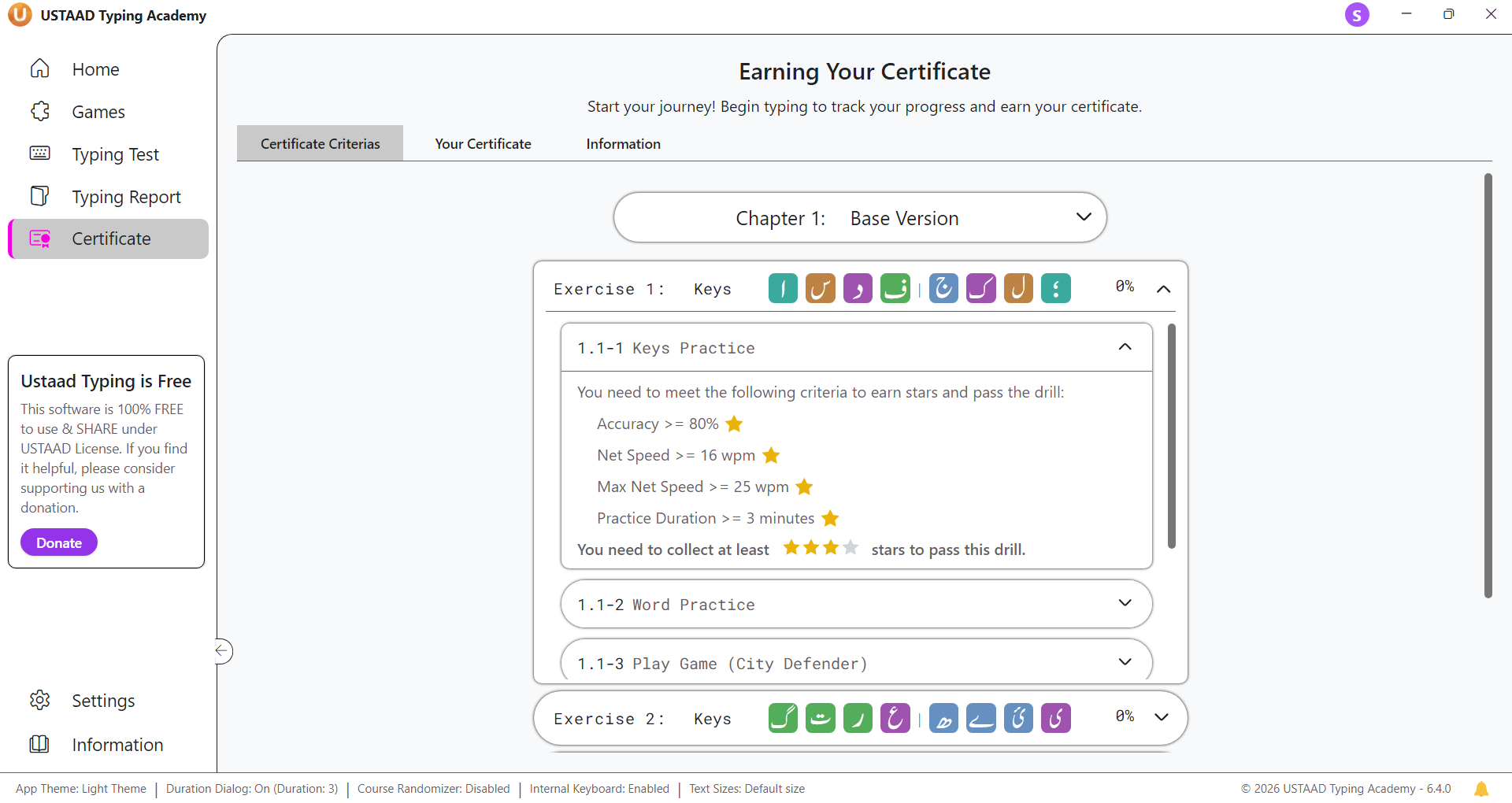
- View completion percentage of every lesson
- Track exercise-level progress
- Track chapter-level progress
- See how much work is completed vs remaining
- Identify weak or incomplete areas
Progress Tracking System
The system continuously calculates:
- Total completion percentage per lesson
- Exercise completion status
- Chapter completion status
- Overall course progress
This helps users clearly understand:
“Where am I right now, and what do I still need to complete to unlock my certificate?”
Purpose
This tab ensures that users:
- Stay motivated
- Follow structured learning
- Meet all required certification conditions
- Avoid skipping important lessons
2. Your Certificate Tab
The Your Certificate Tab is where your final certificate appears — but only after meeting all required criteria.
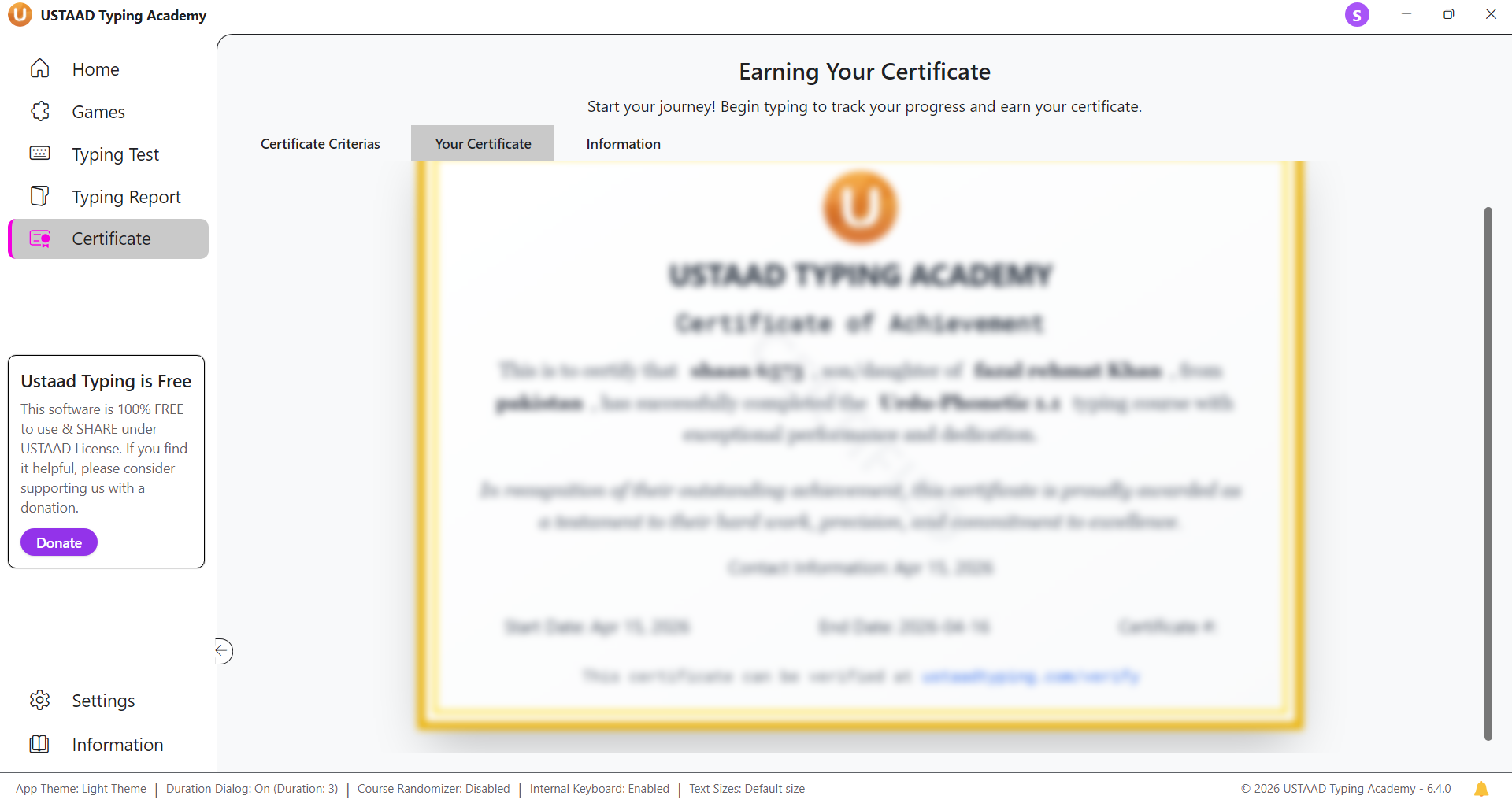
Initially, your certificate is shown in a locked state.
Locked Certificate State
Before completion:
- Certificate remains locked
- You cannot download or submit it
- It shows your progress status instead
Unlocking the Certificate
Once you complete all required criteria, the certificate automatically unlocks.
After unlocking, you will see 3 main buttons:
1. Save as PDF
- Downloads your certificate in PDF format
- You can store it on your device
- Useful for personal records or printing
2. Edit Certificate
- Allows you to enter:
- Father’s Name
- Country
- This step personalizes your certificate before submission
3. Submit to Server
- Uploads your certificate to USTAAD Typing server
- After submission:
- Edit button is hidden
- Submit button is disabled/hidden
- Certificate becomes permanently stored
After Submission
Once submitted:
- Certificate is permanently saved on the server
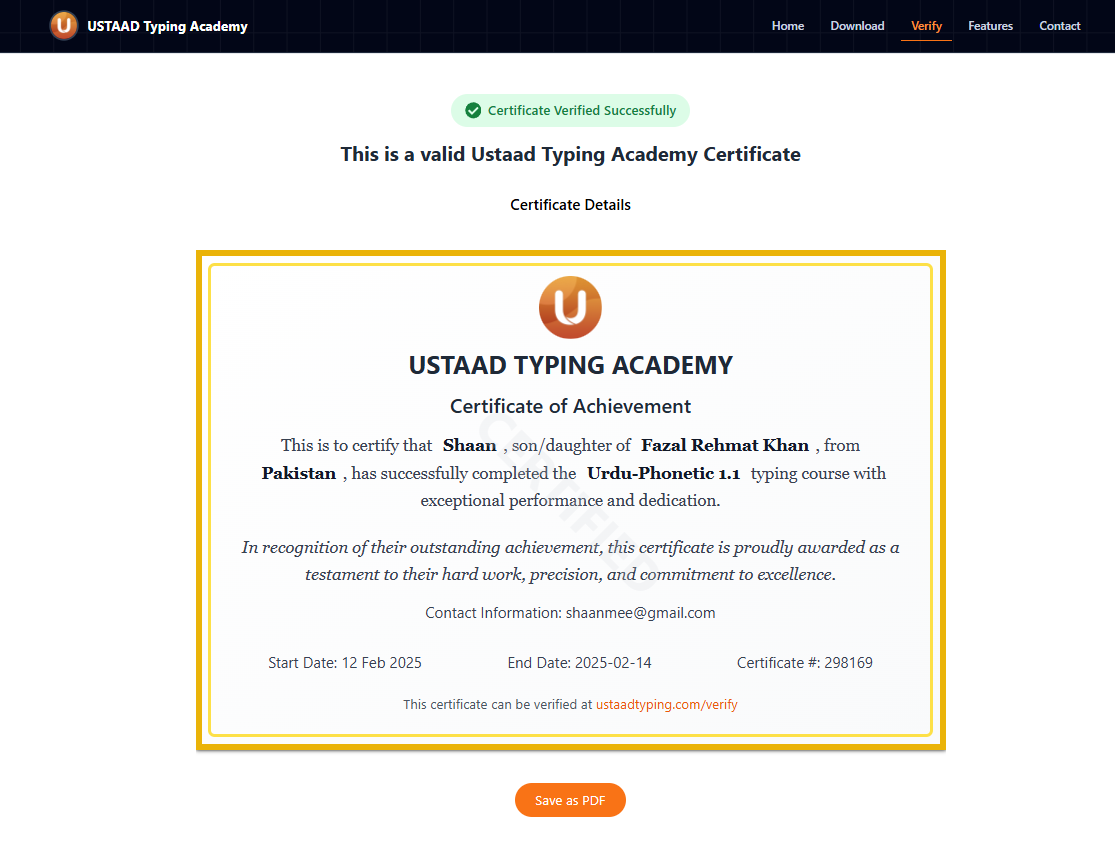
- A unique Certificate Number is generated
- It becomes eligible for online verification
- It cannot be modified again
3. Information Tab
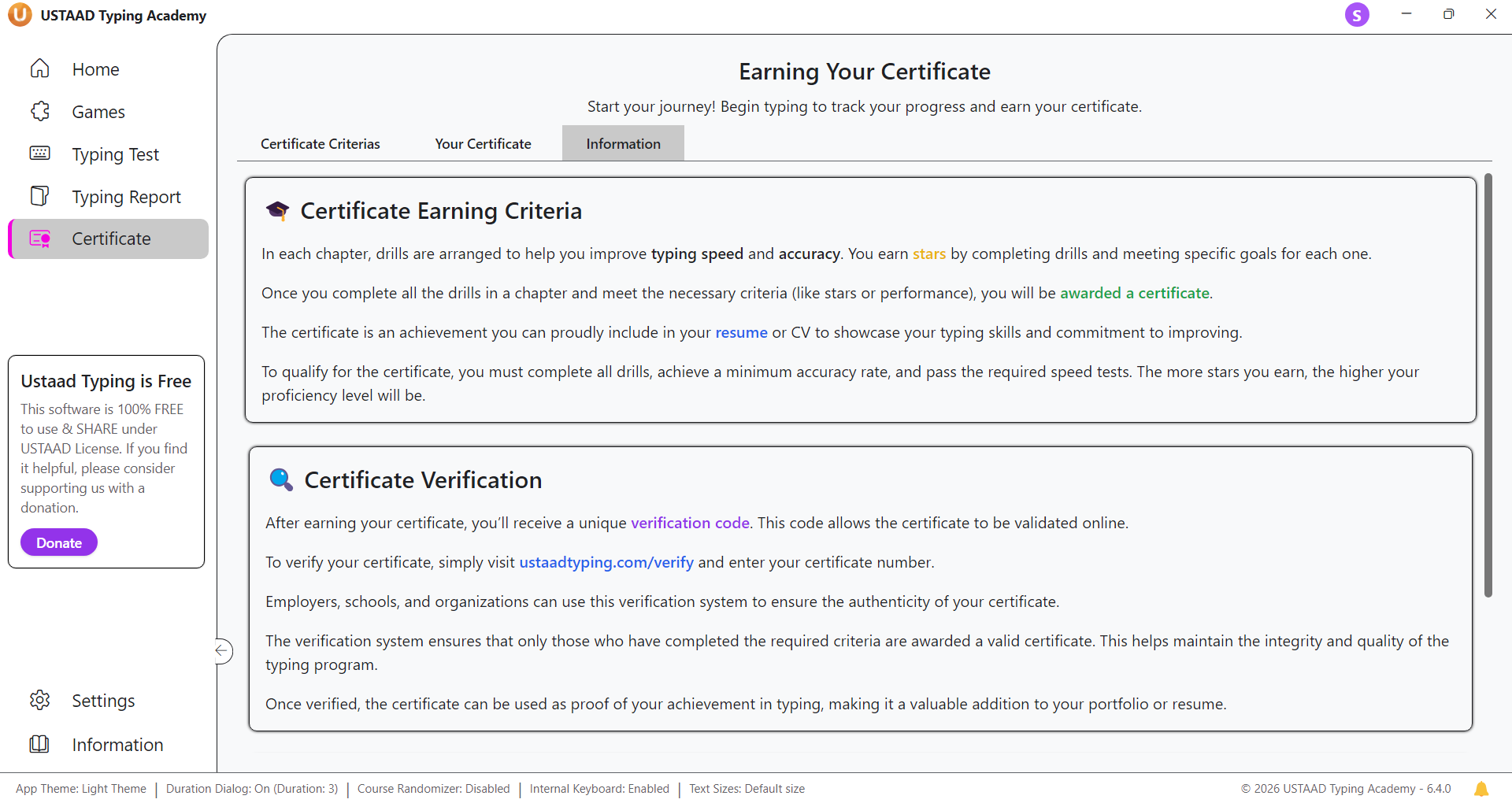
The Information Tab provides complete guidance about the certificate system.
What It Explains
Inside this tab, users learn:
- How to obtain a certificate
- What requirements must be completed
- How certificate unlocking works
- Where and how to verify certificates
- Step-by-step usage instructions
Purpose of This Tab
This tab is designed for:
- New learners who don’t understand the system
- Users who want clarity about certification rules
- Anyone needing help with verification process
It acts as a help center for certification understanding.
Summary
The Certificate system in USTAAD Typing Academy is structured into three powerful sections:
- Certificate Criteria → Tracks your progress
- Your Certificate → Unlocks and manages your certificate
- Information Tab → Explains the full system
Together, these tabs ensure a transparent, structured, and professional certification process from learning to verification.